
Browse by jurisdiction
Find supported court forms for the matter’s state or county.
Supported court forms fill from the estate overview. Review missing fields, make edits, then download the prepared PDF or save it to the Clio matter.
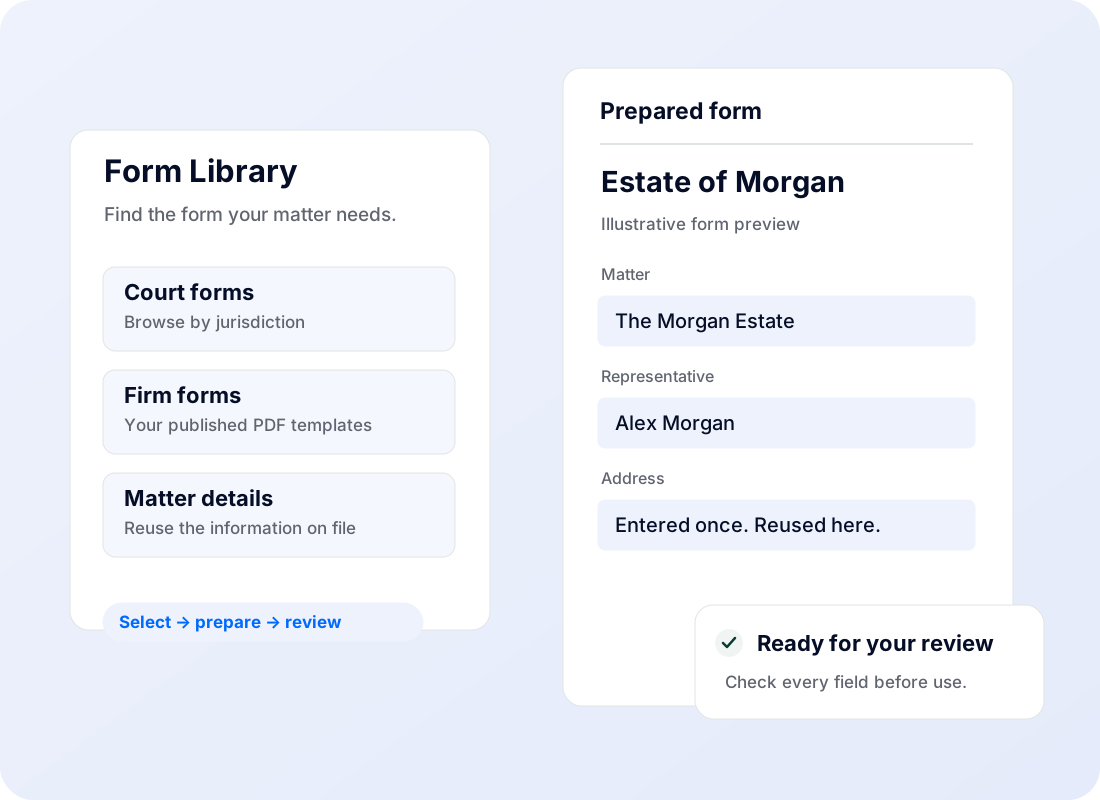
Find supported court forms for the matter’s state or county.
Use existing people, asset and matter details as a starting point.
See where information is missing, make edits and complete the fields that still need attention.
Ask about adding blank PDF forms to your firm’s Form Library. Preparation and review may be needed before a template can be used.
Track forms and retain the prepared documents with your work.
Download a prepared PDF or save it back to the connected Clio matter.
Coverage varies by jurisdiction and form. Catalog entries do not all support automatic preparation. Firm PDF uploads are subject to availability and processing; review prepared forms before use. EstateMin does not submit court filings.